
Why Apps Ask for Contacts, Photos or Location Access

You download a simple flashlight app and it immediately asks to access your contacts. Or you install a food delivery app and it wants access to your photos and microphone. If you’ve felt confused or uncomfortable in these moments, you’re not alone. Millions of Indian smartphone users face this every day without fully understanding what’s going on.
App permissions are requests that an app makes to access certain parts of your phone. When you tap Allow, you’re giving that app the ability to read, use, or sometimes share that data. Understanding why apps make these requests, and when to say no, is one of the most practical things you can do to protect yourself.
Why Apps May Request Access to These Three Things
Each type of permission serves a different purpose. Some are completely logical. Others are harder to justify.
Contacts
An app like WhatsApp or Truecaller needs your contacts to do its basic job. Without them, you can’t call or message the people you know. Payment apps like PhonePe or Google Pay also need contacts so you can quickly send money to someone by name rather than entering a long number.
But some apps that have nothing to do with communication also ask for contacts. A gaming app or a basic calculator app requesting your contacts is a red flag. These apps often use contact data to build marketing lists or send promotional messages to your connections on your behalf.
Photos and Media
If you’re using Instagram, Meesho, or any shopping app where you upload product photos, it makes sense that the app needs access to your photo library. Similarly, a KYC process for a bank account or a government app like DigiLocker may ask to scan or upload a photo of your ID.
The concern arises when apps store your photos on their servers without telling you clearly. Some apps also scan photo metadata the hidden data attached to each photo showing when and where it was taken, which tells them more about you than just the image itself.
Location
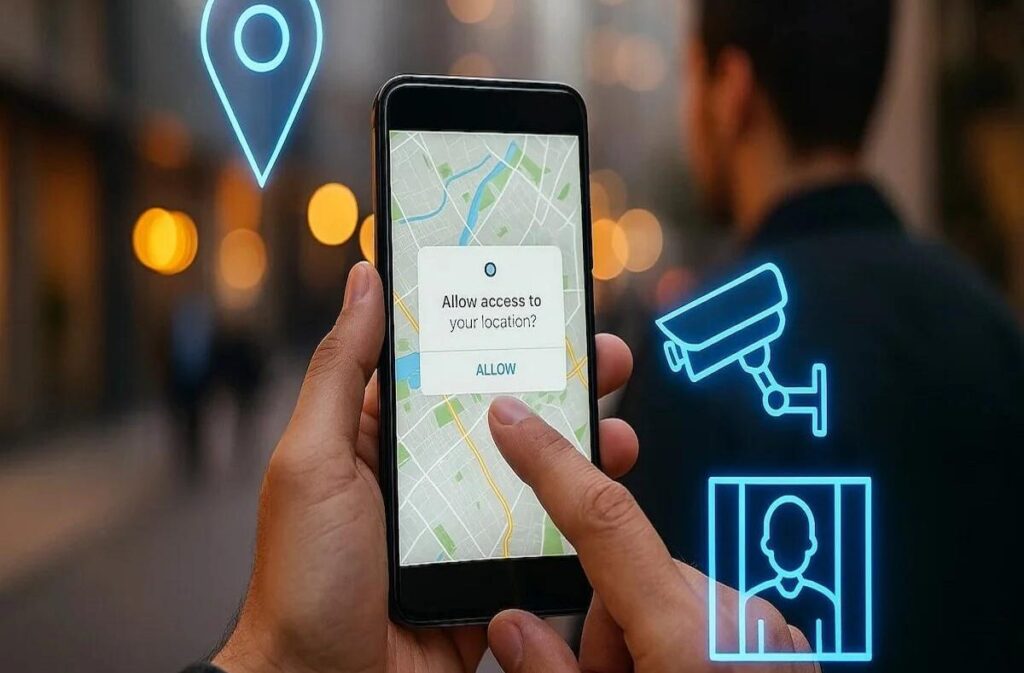
Location is probably the most commonly requested and misused permission. Swiggy and Zomato genuinely need your location to deliver food. Cab apps like Ola and Uber need it to find you and your destination. Weather apps need it to show local forecasts.
However, many apps request always on location access when they only need it while you’re actively using the app. There’s a big difference between the two. Always on means the app tracks your movements even when it’s running in the background. That’s a level of access that very few apps actually need. For most, only while using the app is more than enough.
You can read how India’s DPDP Act 2023 defines consent and data collection rights at the Ministry of Electronics and IT website.
When the Request Makes Sense and When It Doesn’t
This simple table can help you decide whether to allow or deny a permission request.
| App Type | Contacts | Photos | Location |
|---|---|---|---|
| Food delivery (Zomato, Swiggy) | Not needed | Not needed | Yes, while using |
| Payment app (PhonePe, Paytm) | Yes | Sometimes (for KYC) | Not usually |
| Social media (Instagram, Moj) | Optional | Yes | Optional |
| Navigation (Google Maps, Ola) | No | No | Yes, while using |
| Gaming app | No | No | No |
| Shopping app (Meesho, Amazon) | No | Sometimes | Optional |
If an app’s request doesn’t match what it’s supposed to do, that’s worth questioning before you tap Allow.
What the Law Says About This in India
India’s Digital Personal Data Protection Act, passed in August 2023, changed things significantly. Under this law, companies must tell you clearly what data they are collecting and why. They cannot collect more data than what is needed for the stated purpose. You also have the right to withdraw your consent later.
This means if an app asks for permissions it doesn’t actually need, and you later want to revoke that access, you are legally within your rights to do so. The law is still being implemented in phases, but it sets a clear standard. If you’re curious about your rights related to lotus365 cricket or any other app where you create an account and share personal details, the same data protection principles apply.
How to Review and Change App Permissions on Android and iPhone
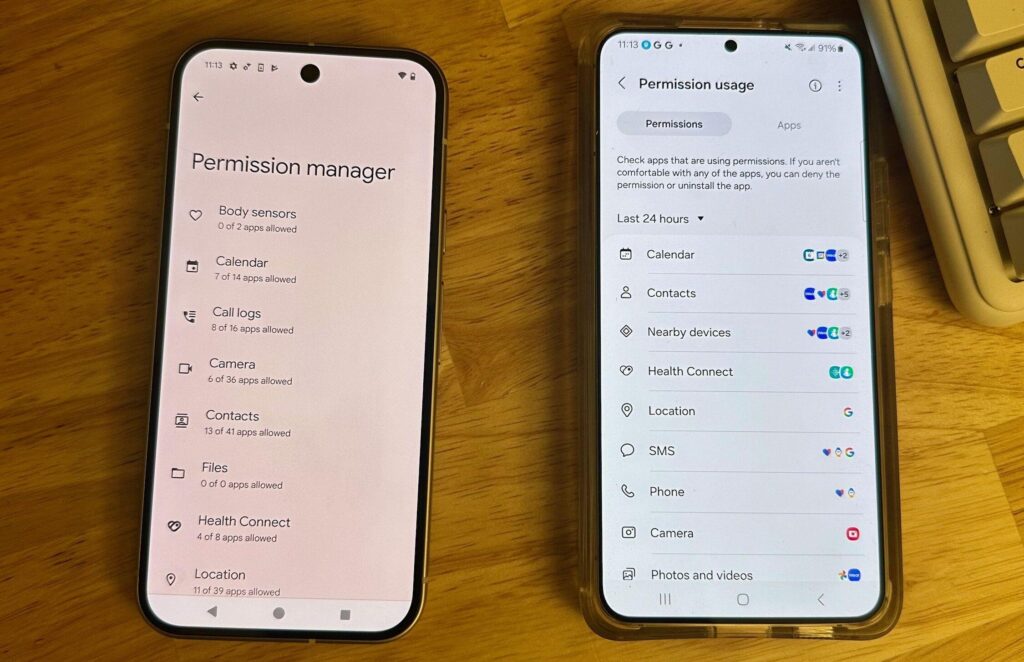
On Android (version 10 and above)
Go to Settings, then Privacy, then Permission Manager. You’ll see each type of permission listed, such as Location, Contacts, and Camera. Tap any one to see which apps have access and change it.
On iPhone iOS 14 and above
Go to Settings, scroll down to any app name, and tap it. You’ll see exactly what permissions it has. You can also go to Settings, then Privacy and Security, to see all apps that have requested a specific permission type.
A good habit is to check these settings once every few months, especially after installing new apps. Many people are surprised to find apps they barely use still running with full access to their location or microphone. Some users also download a lotus365 apk or similar third-party apps outside the Play Store, and these in particular deserve extra scrutiny because they don’t go through the same review process as official store apps.